Service Account Security Best Practices to Secure Non-Human Identities
Service account & service-to-service authentication best practices: credential rotation, least privilege, workload identity & behavioral detection.

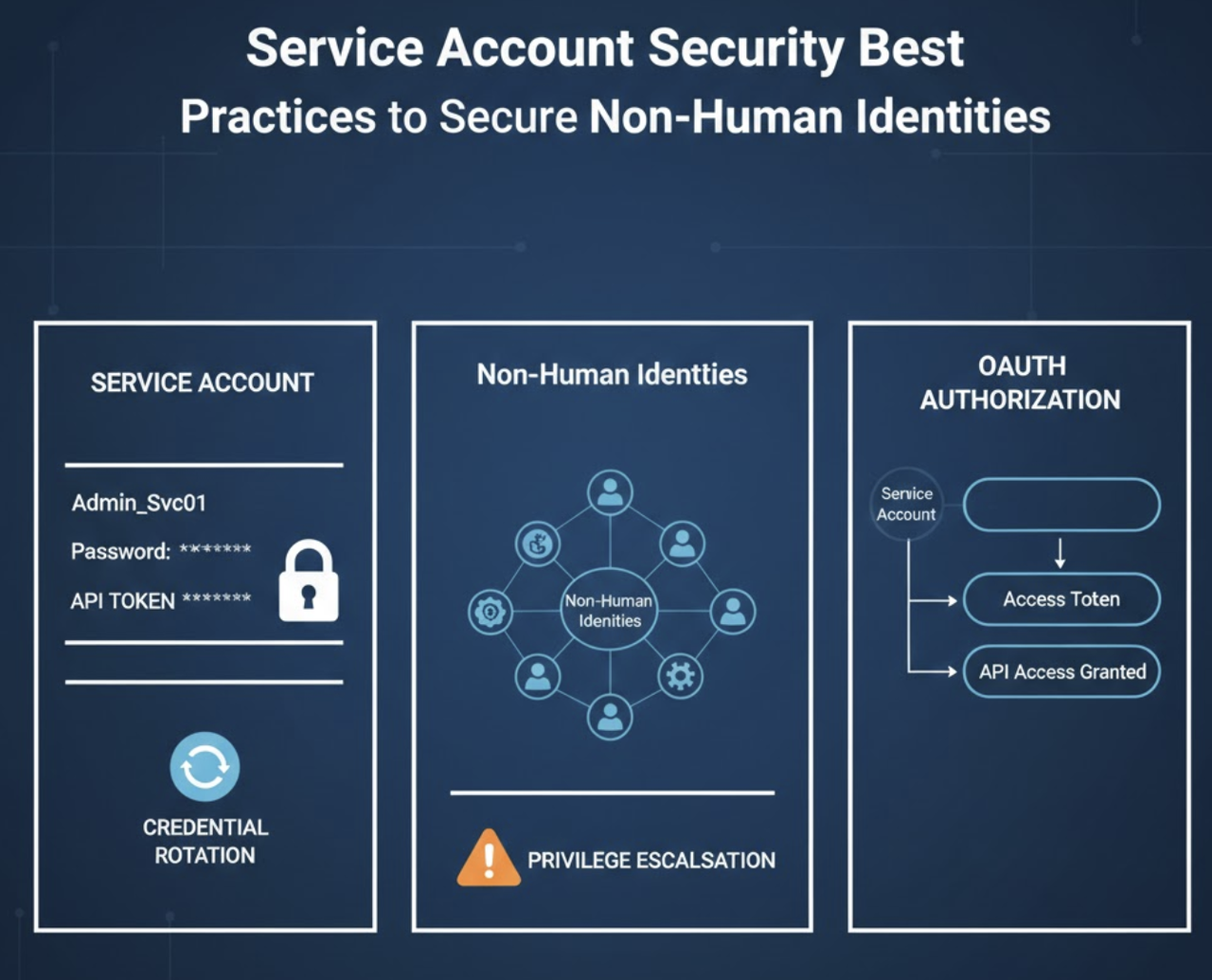
Somewhere in your Active Directory, there's an account created in 2019 by an engineer who left two years ago. It runs a backup job that nobody remembers configuring. It has domain admin privileges because that was easier than figuring out the minimum permissions. It hasn't changed its password since creation. And right now, it's one of the most dangerous accounts in your environment.
Service accounts don't trigger behavioral alerts designed for humans. They operate 24/7 with persistent access, often with admin privileges. They don't take vacation, don't have "normal working hours," and don't follow geographic patterns that your SIEM expects. When attackers compromise a service account, the activity looks exactly like legitimate automation-until your data walks out the door.
Service Account Security requires understanding that these machine identities represent a fundamentally different attack surface than user accounts. The same controls that protect human identities often fail completely when applied to non-human identities that operate continuously across your infrastructure.
Key Takeaways
- Service accounts operate outside traditional security controls: They bypass MFA, lack behavioral baselines, and maintain persistent privileged access that makes them prime targets for attackers seeking lateral movement paths
- Over-privileged by default: Most service accounts receive excessive permissions during initial setup that are never reduced, creating blast radius risks when compromised
- Credential rotation remains the exception: Static passwords and long-lived tokens dominate service account authentication, with many credentials unchanged since creation years ago
- Inventory is not security: Knowing service accounts exist differs fundamentally from detecting when they behave abnormally-behavioral context separates legitimate automation from credential abuse
- Ownership gaps create orphaned risk: Service accounts outlive projects and team members, leaving dormant accounts with privileged access that attackers discover through enumeration
What Is a Service Account?
Service accounts are non-human identities that applications, scripts, and automated processes use to authenticate and perform tasks without human intervention. They're the workhorses of modern infrastructure-running backup jobs, synchronizing data between systems, monitoring application health, and executing scheduled tasks across your environment.
Unlike user accounts tied to individual employees, service accounts belong to applications and services. They don't have a person behind them checking email or responding to security alerts. This fundamental difference creates unique security challenges that traditional identity and access management approaches fail to address.
Service accounts exist across every layer of your technology stack. They authenticate database connections, enable API integrations between SaaS applications, execute deployment pipelines, and facilitate communication between microservices. According to research, organizations typically have 10-20 times more service accounts than human user accounts, yet most security teams lack complete visibility into this machine identity population .
The security gap emerges because service accounts were created for functionality, not security. When a developer needs to connect two systems, the fastest path is creating a service account with broad permissions. When that project completes, the service account remains-often with nobody remembering it exists or understanding what it does.
Types of Service Accounts (And Where Risk Hides)
Understanding Service Account Security requires recognizing that different service account types present distinct risk profiles. The attack surface varies dramatically based on where these accounts operate and how they authenticate.
Active Directory Service Accounts
Traditional Windows environments rely heavily on Active Directory service accounts that fall into several categories:
Local service accounts run on individual servers with permissions limited to that specific machine. While their scope is constrained, attackers who compromise a server often find these accounts configured with local admin rights-providing a foothold for privilege escalation.
Domain service accounts possess network access across the Active Directory environment. These accounts frequently receive excessive permissions because determining minimum required access demands time and testing. The risk: Many organizations still use domain accounts with static passwords set five years ago that have never been rotated .
Managed Service Accounts (MSAs) and Group Managed Service Accounts (gMSAs) represent Microsoft's attempt to improve service account security through automated password rotation and simplified management. However, adoption remains limited-most environments still contain hundreds of legacy domain accounts with manual password management .
Cloud Service Accounts
Cloud platforms introduced new service account models that differ significantly from Active Directory approaches:
AWS IAM users and roles for applications provide temporary credentials through Security Token Service (STS) tokens, eliminating the need for long-lived access keys. Despite this capability, many AWS environments still contain IAM users with permanent access keys created years ago .
Azure service principals enable applications to authenticate and access Azure resources. These identities can use certificate-based authentication or client secrets-but client secrets often receive multi-year expiration dates that effectively make them permanent credentials.
GCP service accounts function as both resources and identities, creating unique security considerations. A compromised service account key provides complete impersonation capability, making key management critical. The risk: "Least privilege" requires effort; "admin access" requires one click during initial setup, and those permissions rarely get reviewed .
SaaS Integration Accounts
The most invisible service account risk lives in the SaaS supply chain-the OAuth tokens, API keys, and webhook credentials connecting your business applications:
OAuth tokens created when users click "Allow" to connect applications function as bearer tokens. Whoever possesses the token can use it, regardless of how they obtained it. These tokens often include refresh tokens that persist indefinitely, providing permanent access that operates independently of your SSO and MFA controls.
API keys for third-party tools typically get created by business users configuring integrations without security team involvement. These credentials live in configuration files, environment variables, and sometimes hardcoded in scripts-creating multiple leakage vectors.
Webhook credentials enable applications to push data to your systems. Attackers who compromise a vendor can abuse these credentials to inject malicious data or exfiltrate information through legitimate integration channels.
The risk: Created by business users, invisible to security teams, these SaaS integration accounts represent the hidden layer where attackers operate one integration away from your most sensitive data.
The Security Risks That Make Service Accounts Attractive Targets
Service accounts concentrate multiple risk factors that make them exceptionally valuable to attackers. Understanding these risks explains why Service Account Security Best Practices to Secure Non-Human Identities must differ fundamentally from user account security approaches.
Over-Privileged by Default
The phrase "it needs admin to work" becomes permanent configuration far too often. Initial setup receives broad permissions to ensure functionality, but those permissions never get reduced after determining actual requirements. Permission creep compounds the problem-each troubleshooting session adds another privilege that never gets removed .
Attackers who compromise one over-privileged service account often gain lateral movement paths across your environment. A service account with domain admin rights provides complete Active Directory control. A cloud service account with excessive IAM permissions enables resource enumeration, data exfiltration, and infrastructure manipulation.
Static Credentials That Never Rotate
Service account passwords frequently get set during installation and never changed. No expiration gets enforced for "service" account types because rotation requires coordination with dependent systems. The operational burden of credential rotation leads teams to avoid it entirely .
Real-world impact: The SolarWinds attackers leveraged service accounts with unchanged credentials to maintain persistent access across victim environments. Once inside, they used service account credentials to move laterally and escalate privileges without triggering alerts designed to detect suspicious user behavior.
Invisible to Behavioral Detection
Service accounts operate 24/7 with no "normal working hours" to baseline. They don't follow geographic patterns-a service account accessing resources from a new country could indicate compromise or could indicate a legitimate cloud migration. Activity spikes could represent batch processing or could represent data exfiltration .
Traditional user and entity behavior analytics (UEBA) systems struggle with service accounts because the behavioral patterns differ fundamentally from human users. A service account that suddenly accesses different data might be compromised, or might be executing new functionality deployed last week.
Orphaned After Projects End
Projects complete, but service accounts remain. Teams reorganize, but nobody inherits ownership of the service accounts the previous team created. Acquisitions bring new infrastructure with service accounts that nobody in the acquiring organization understands .
Attackers find these dormant accounts through enumeration. An account that hasn't authenticated in six months but still possesses privileged access represents a low-risk, high-reward target. No monitoring watches for unusual activity because nobody expects any activity.
Service Account Security Best Practices to Secure Non-Human Identities
Implementing Service Account Security requires a systematic approach that addresses discovery, governance, credential management, and behavioral monitoring. These ten practices provide a framework for reducing service account risk across your environment.
1. Discover What You Don't Know You Have
Complete service account inventory forms the foundation for all other security controls. Audit across Active Directory, cloud platforms, and SaaS applications to identify every non-human identity in your environment .
The accounts you don't know about are the ones attackers will find first. Automated discovery tools can identify service accounts by analyzing authentication patterns, API usage, and permission assignments. Document each account's purpose, permissions, dependencies, and owner.
Your SaaS environment presents particular discovery challenges. OAuth tokens and API integrations often get created by business users without IT involvement. Understanding what's talking to your Salesforce requires visibility into the hidden layer of application-to-application connections.
2. Assign and Enforce Ownership
Every service account needs an owner who answers when it's compromised. No owner equals decommission candidate. Establish ownership models where designated custodians take responsibility for lifecycle management and compliance monitoring .
Ownership accountability changes behavior. When someone knows they'll be called at 2 AM because their service account is exfiltrating data, they invest time in proper configuration. When nobody owns an account, it receives minimal attention until it appears in breach forensics.
3. Apply Least Privilege (Actually, This Time)
Document exactly what permissions each service account requires. Start with zero access and add only what breaks. Review quarterly for permission creep .
Implementing least privilege for service accounts demands more rigor than user accounts because service accounts often require permissions across multiple systems. Use permission boundaries in AWS, conditional access policies in Azure, and IAM conditions in GCP to enforce constraints even when broad role assignments exist.
The principle applies equally to SaaS integrations. An OAuth token doesn't need write/delete permissions if the integration only reads data. Review OAuth scopes during integration approval and revoke unnecessary permissions before toxic combinations create blast radius risk.
4. Eliminate Static Passwords
Use Managed Service Accounts (gMSAs) in Windows environments to enable automatic password rotation with built-in complexity requirements . Use IAM roles instead of access keys in AWS to eliminate long-lived credentials entirely. If static credentials are unavoidable, enforce rotation.
Different cloud platforms require tailored approaches. AWS IAM roles provide temporary credentials through STS tokens, eliminating the need for permanent access keys. Azure managed identities automatically handle credential lifecycle without exposing secrets. GCP service account keys should be avoided whenever Workload Identity Federation can authenticate workloads instead .
5. Implement Credential Rotation
Automated rotation through secrets management platforms like AWS Secrets Manager, Azure Key Vault, or HashiCorp Vault reduces manual overhead and ensures consistent execution. Configure grace periods for dependent systems to retrieve updated credentials before old credentials expire .
Alert when rotation fails. A service account that can't rotate credentials signals either a configuration problem or a potential security issue. Investigate rotation failures immediately rather than letting them accumulate.
6. Disable Interactive Login
Service accounts should not be usable by humans. Block sign-in through conditional access policies that prevent interactive authentication attempts. Alert on any interactive authentication attempt as a high-severity security event .
This control prevents attackers from using compromised service account credentials for interactive sessions. Even if an attacker obtains a service account password, they can't use it to log in directly-they must use it in the context it was designed for, which creates more observable behavior.
7. Segment by Function
Create one service account per application. Shared accounts multiply blast radius-compromise of one service should not compromise all .
Segmentation enables more precise monitoring. When each application uses a dedicated service account, unusual behavior becomes easier to detect. A backup service account accessing HR data signals compromise. A shared service account accessing HR data might be legitimate or might be an attack-context determines the difference.
8. Monitor Behavioral Patterns
Establish baselines for normal service account activity. Alert on volume spikes, new data access patterns, unusual timing, and deviations from historical behavior. Correlate service account activity with network logs and application logs to build context .
Behavioral monitoring for service accounts requires different approaches than user monitoring. Focus on:
- Data access patterns: Service accounts typically access consistent datasets; new data access indicates changed functionality or compromise
- Volume deviations: Batch processes execute predictable volumes; significant increases suggest data exfiltration
- Timing anomalies: Scheduled tasks run at expected times; activity outside those windows warrants investigation
- Network destinations: Service accounts communicate with known endpoints; new destinations indicate reconnaissance or command-and-control activity
9. Implement Just-in-Time Access
Persistent access creates persistent risk. Elevate service account privileges only when needed and implement automatic expiration after task completion .
Just-in-time (JIT) access for service accounts requires workflow automation. When a deployment pipeline needs elevated permissions, it requests them through an approval workflow, receives temporary credentials, executes the deployment, and automatically loses elevated access when the task completes.
10. Plan for Compromise
Document revocation procedures before you need them. Test recovery playbooks to ensure dependent systems can handle credential rotation under pressure. Prepare communication templates for teams that depend on service accounts you must revoke .
Incident response for compromised service accounts differs from user account compromise. Revoking a service account credential might break production systems. Your playbook must balance security response speed with operational continuity-but security must win when the account is actively exfiltrating data.
The Difference Between Inventory and Detection
Most organizations approach service account security through inventory-spreadsheets documenting which accounts exist, what permissions they hold, and when they were last reviewed. Inventory provides necessary visibility, but inventory alone doesn't prevent breaches.
Inventory tells you service accounts exist. Detection tells you when they're behaving abnormally.
A service account exfiltrating data looks exactly like a service account doing its job, unless you have behavioral context. The backup service account that suddenly accesses financial data it has never touched before signals compromise. The integration account that begins downloading files at 3 AM on Sunday deviates from its established pattern. The API key that authenticates from a new autonomous system number (ASN) indicates credential theft.
Static point-in-time snapshots miss the dynamic relationships between service accounts and the resources they access. An account might appear properly configured during quarterly review but gain excessive permissions the next day when someone troubleshoots an issue and forgets to remove the temporary access.
What Behavioral Detection Catches
Behavioral detection for non-human identities identifies anomalies that inventory approaches miss:
Service accounts accessing data they have never accessed before indicate changed functionality or compromised credentials. A monitoring service account that begins reading customer records signals either misconfiguration or malicious activity.
Activity timing outside normal batch windows suggests unauthorized use. Service accounts typically operate on predictable schedules. Activity at unexpected times warrants investigation.
Network destinations that deviate from established patterns indicate reconnaissance or data exfiltration. A service account that has always communicated with internal resources suddenly connecting to external IP addresses signals compromise.
Volume of operations exceeding historical baseline points to bulk data access inconsistent with normal function. A service account that typically processes 1,000 records per day suddenly accessing 100,000 records demands immediate investigation.
Behavioral detection requires understanding the context of service account operations. This context comes from building a Knowledge Graph that maps relationships between identities, applications, data, and infrastructure. When you understand normal behavior, deviations become visible.
Organizations implementing SaaS security strategies increasingly recognize that behavioral detection provides the operational reality check that static inventory cannot deliver.
Stop Chasing Service Accounts in Spreadsheets
Your service accounts are operating right now with permissions granted years ago by employees who have since left. They authenticate using credentials that have never been rotated. They access data across your environment with no behavioral monitoring to detect when access patterns change.
The operational burden of manual service account tracking creates blindspots where attackers operate. Spreadsheet inventories become outdated the moment someone creates a new integration. Quarterly access reviews document what existed three months ago, not what exists today.
Obsidian Security discovers service accounts across your SaaS environment, identifies over-privileged access, and detects anomalous behavior before it becomes a breach. Our platform builds a Knowledge Graph of your SaaS ecosystem-mapping OAuth tokens, API integrations, and service accounts to understand normal behavior patterns. When a service account deviates from established behavior, you receive alerts with the context needed to determine whether the activity represents legitimate change or credential compromise.
See which service accounts in your environment would fail your next audit. Get started with Obsidian to gain visibility into the non-human identities operating across your SaaS supply chain.
Understanding Service Accounts in 2026 means recognizing that inventory provides necessary visibility while behavioral detection provides actual security. The service accounts you don't monitor represent the paths attackers will use for lateral movement, privilege escalation, and data exfiltration.
The question isn't whether your service accounts are at risk. The question is whether you'll detect the compromise before your data leaves the environment.
Conclusion
Service accounts represent one of the most overlooked attack surfaces in modern environments. They operate with persistent privileged access, authenticate using credentials that rarely rotate, and generate activity patterns that bypass behavioral analytics designed for human users. When attackers compromise a service account, they gain a foothold that looks exactly like legitimate automation.
The practices outlined in this guide provide a framework for reducing service account risk:
Discover every service account across AD, cloud, and SaaS environments
Assign ownership to ensure accountability for lifecycle management
Apply least privilege through regular permission reviews and scope reduction
Eliminate static passwords by adopting managed identities and automated rotation
Implement behavioral monitoring to detect anomalous activity before it becomes a breach
The service accounts operating in your environment right now-with permissions granted years ago by employees who have since departed-represent both operational necessity and security risk. Balancing these competing demands requires visibility into what service accounts exist, understanding of what they're supposed to do, and detection capability when they do something different.
Start by auditing your service account population. Document ownership, review permissions, and establish baselines for normal behavior. Then implement the monitoring needed to detect when normal becomes abnormal. The service accounts you secure today prevent the breaches you'll never have to explain tomorrow.